 vecihi
737 NG and 737 MAX circuit breakers
B737 CB
B737 CB shows where every circuit breaker is on the 737 NG and the 737 MAX. Made by a 737 pilot for pilots, engineers and maintenance technicians.
- iPhone
- iPad
- Mac
- 737 NG · 737 MAX
Coming soon to the App Store
Features
On the flight deck and on the line
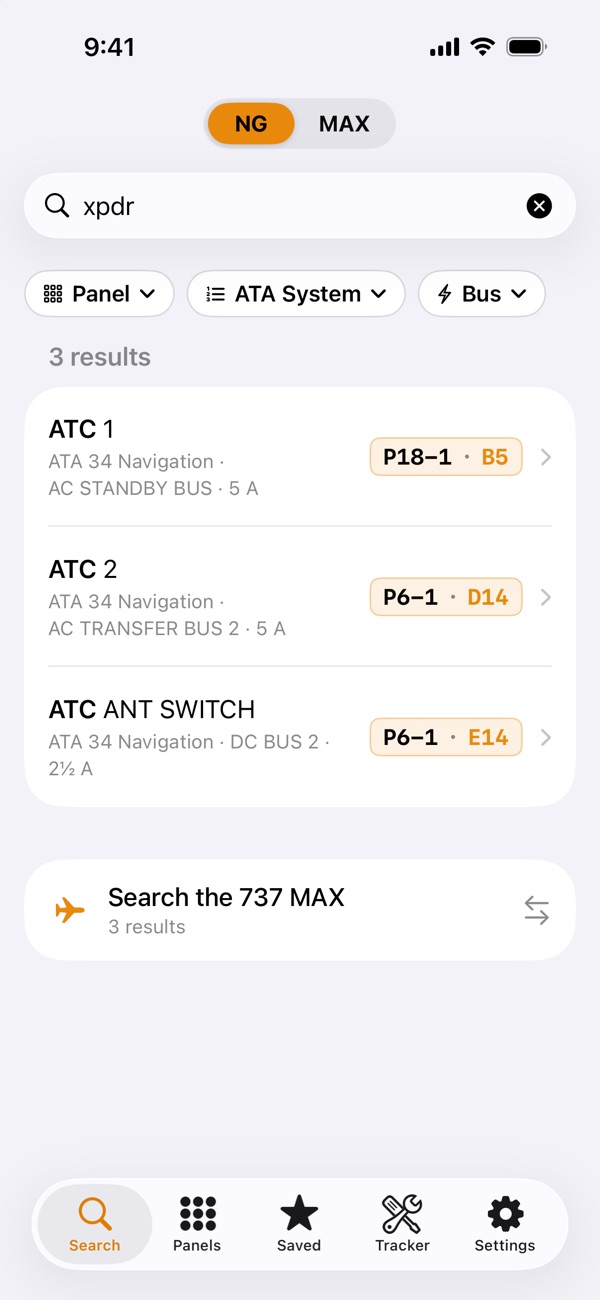
Search the way you talk
Names and abbreviations such as “xpdr” or “stby compass”, positions like P6-2 C3, ATA chapters, power buses and CB numbers, with typo tolerance.
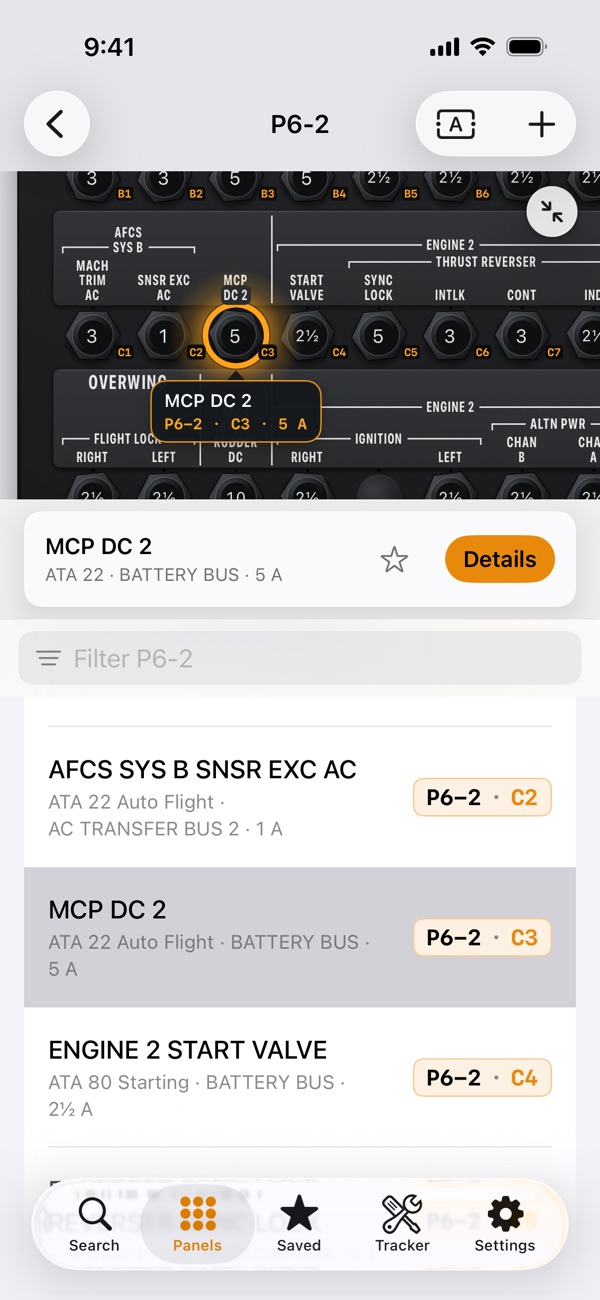
See it on the panel
Interactive diagrams drawn like the real panels, with the CB highlighted. Zoom, pan and tap any knob.
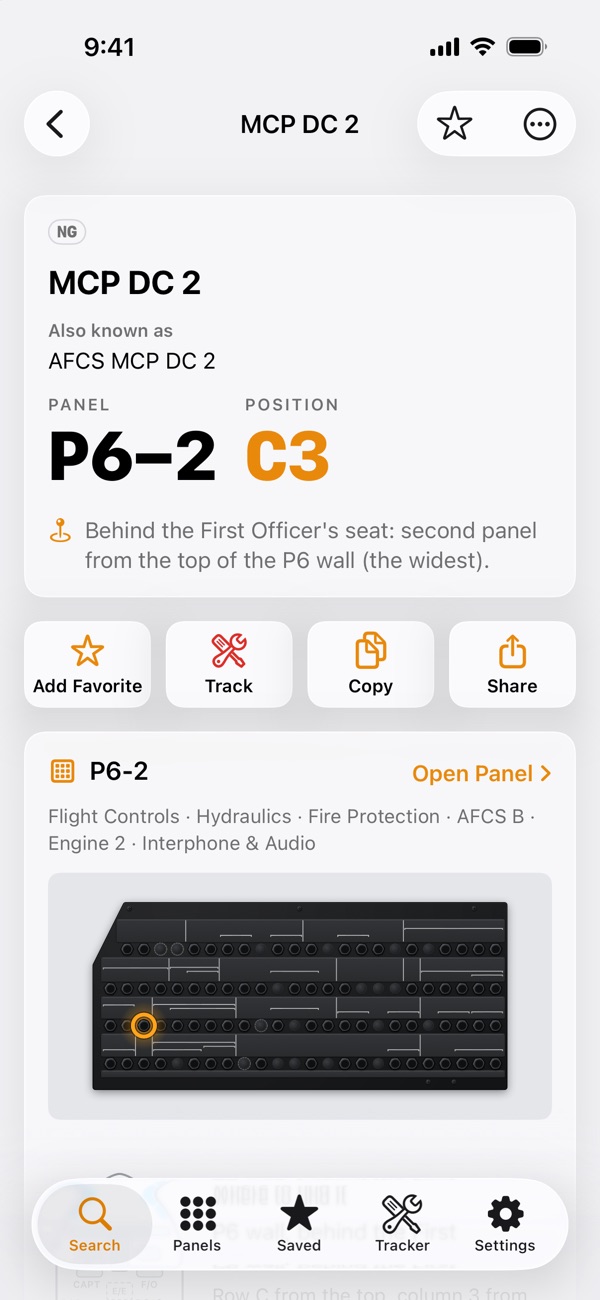
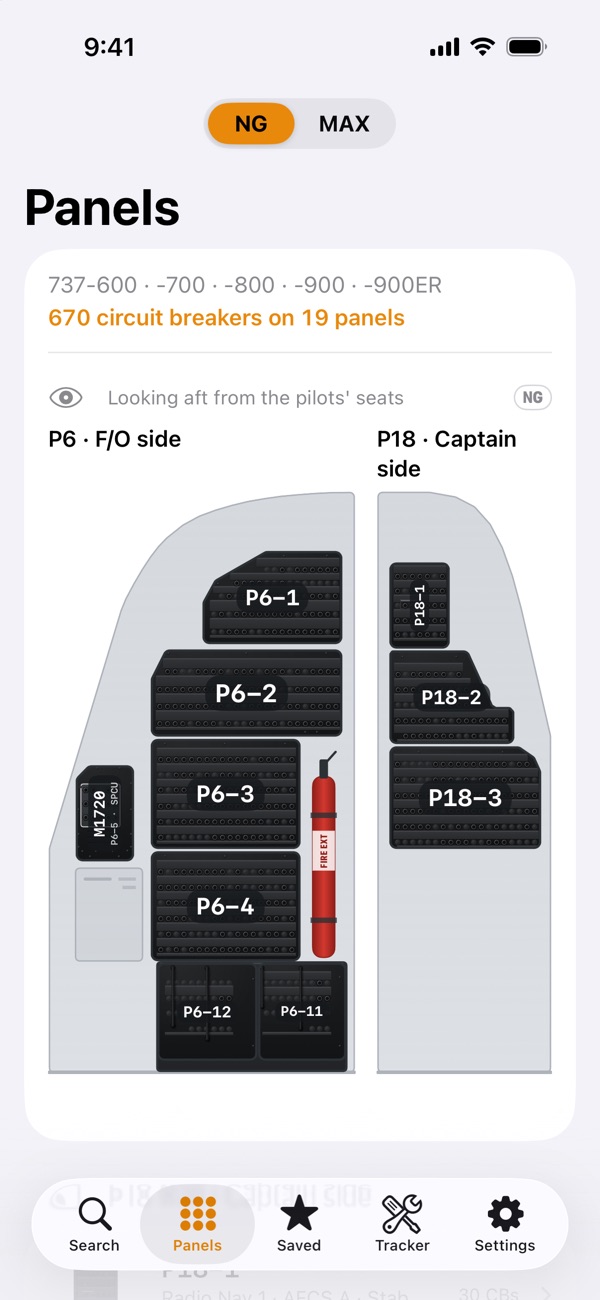
Flight deck locator
See where each panel is on the airplane. The P18 and P6 walls show their panels in place, and galley CBs have a cabin locator.
CB Tracker
Log a CB as pulled, pulled & marked or marked only, with the MEL item or reason and the work order. Tracked CBs show on every panel diagram until you reset them.
Your own CBs
Add your own CB to an empty hole or a blanking plug. It is shown in teal, separate from the app’s data.
Favorites, notes and iCloud sync
Save any CB as a favorite and keep a note on it. iCloud sync brings your favorites, notes, own CBs and CB Tracker to all your devices, through your own iCloud account.
One app for every device
A layout of its own on iPhone, iPad and Mac, with Siri and Shortcuts, Spotlight and Handoff.
Languages and accessibility
More than 40 languages, VoiceOver, Dynamic Type, and Light and Dark Mode. CB names and panel print stay in English, as on the airplane.
737 NG and 737 MAX
737 MAX Pack
The 737 NG (737-600, -700, -800, -900 and -900ER) is free, with every feature. The 737 MAX (737-8, -8200 and -9) is a one-time in-app purchase: buy it once and use it on iPhone, iPad and Mac with the same Apple Account.
- Every 737 MAX circuit breaker, panel and diagram
- NG ⇄ MAX comparison for the CBs on both aircraft
- The same features as the 737 NG
- One-time purchase · no subscription
Screens
A closer look
Privacy
Private by design
- No account, no sign-in.
- No ads, no analytics, no tracking.
- No data collected.
What you save stays on your devices, and in your own iCloud account while iCloud sync is on.
Privacy policySupport
Need a hand?
Questions, corrections and ideas go straight to the developer, a 737 pilot. Tell us your device and the app version and we will get back to you.
Email hello@vecihi.comB737 CB is an independent app, not affiliated with or endorsed by The Boeing Company. It is a reference only: always follow the approved documentation and procedures for your aircraft.